Tag: security

  • 5 Cybersecurity Tips to Improve Employee Habits

    5 Cybersecurity Tips to Improve Employee Habits

    Employees are a first-line defense against threats such as zero-day attacks and breaches. It is critical that they are made aware of basic methods that will maintain the company’s digital integrity. Whether your organization is large or small, training your employees can go a long way towards keep your IT infrastructure secure.

    Here are 5 ways that you can educate your employees about IT security:


    1. Instruct employees about phishing scams

    A phishing scam often takes the form of an email.  Cybercriminals can do a world of damage after obtaining organizational information or by installing software on a computer.

    Phishers appear as legitimate and credible people from a particular organization. Emails will often appear to be from a known source. Valid e-mail:

    • Comes from someone they know
    • Comes from someone they have received mail from before
    • Is something they were expecting
    • Does not look odd with unusual spellings or characters
    • Passes your anti-virus program test

    Instruct workers to keep company (and personal) information private and report spoofing to their managers.


    2. No weak passwords

    The best thing for you to do is actually set automatic password policies on systems so that passwords have to be secure. Still, training on password security can still get employees to understand the dangers of weak passwords. Chances are if they are using (or want to use) weak passwords at work, they probably use them at home for their personal accounts. Explaining what can happen when weak passwords are used can “hit home” and make your employees more cyber security aware at all times, a win-win for your organization.

    • Use long phrases that are memorable to you, and only you

    Why? Because the longer the password, the tougher it is to crack. Even with special characters and a mix of uppercase and lowercase characters, shorter passwords are easier for hackers to gain access to compared to longer phrases.


    3. Clearly define and explain BYOD Cyber Security Policies

    Most companies still don’t have a policy in place!

    Considerations:

    • Which employees are eligible for access?
    • Should you require data as well as app or device restriction?
    • Management approval should be necessary


    4. No downloading of unauthorized software

    Many system threats are disguised as programs that are free to download on the Web. Make sure that employees know that they should not allow this sort of potential threat onto network devices and terminals. Better yet, lockdown the enterprise systems so that users do not have the ability to install them in the first place.


    5. Meet to conduct IT security training

    Discuss a cyber-security case study or two. Cover steps that employees can take to improve cyber security at home to personalize your message.. Work with employees to develop a continuing conversation about IT security issues and share interesting case studies with a problem/solution approach.

    No matter what, make sure there are consequences in place for non-compliance with IT security policies and procedures. This way, your organization can avoid cyber incidents that are expensive, not only in terms of cost but time as well.



  • 7 Tips for Business Security

    7 Tips for Business Security

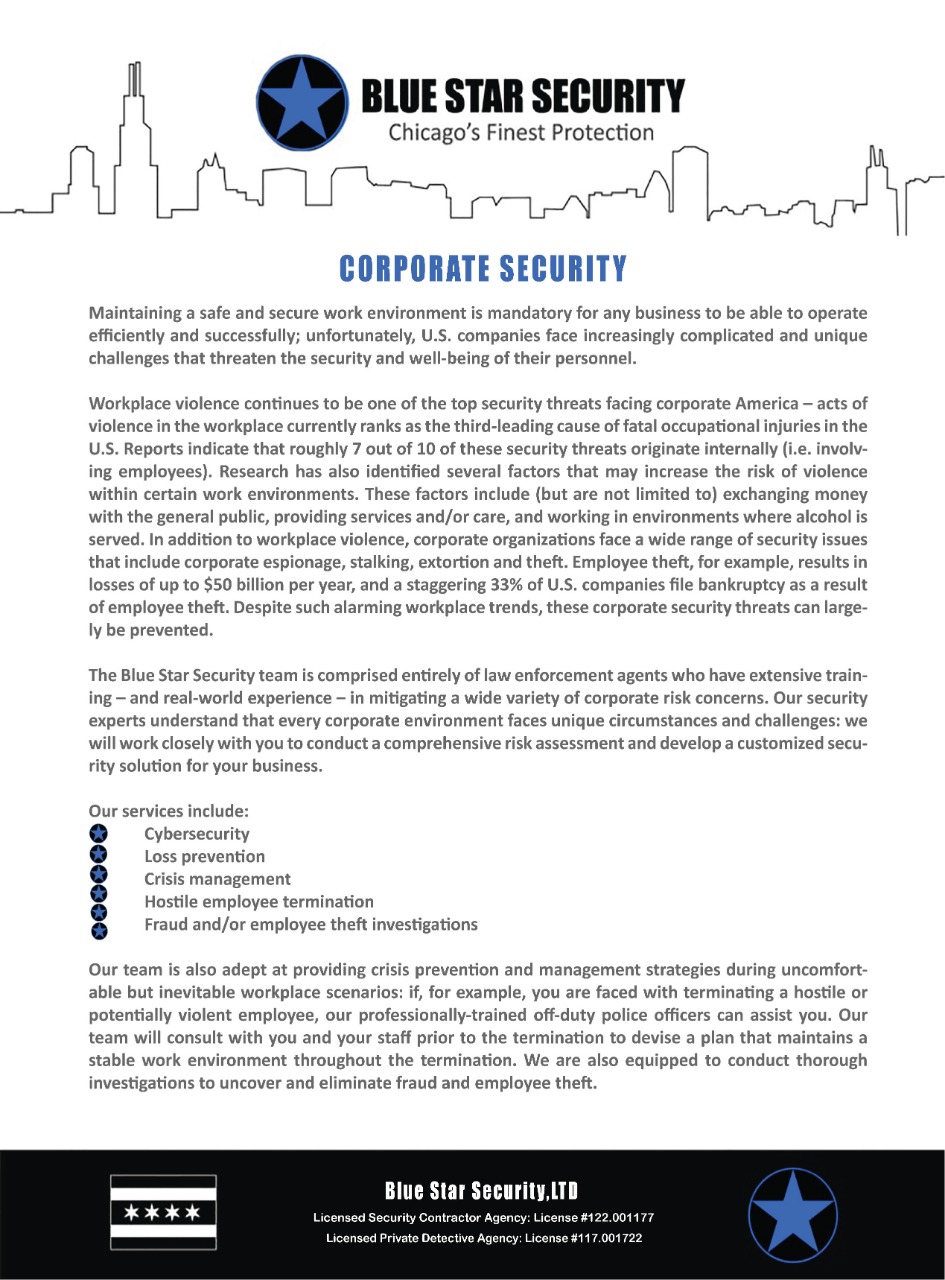
    Whether you are in the business of providing a service to a customer, or providing a product, there will always be a risk factor with the information that you handle; for both you and the customers. It is a good idea to put safeguards in place before any major problem comes up. Blue Star Security will help protect your people, your physical assets, your corporate data and your intellectual property on a global scale.We live in a world where workplace protection, cyber security and other threats present a constant challenge.
    Have a Code of Conduct
    Before you hire the first employee, you should establish a Code of Conduct. This document should outline what is acceptable or proper behavior within office premises and what repercussions there will be if an employee violates the terms. This document should be accessible to all of your employees at all times. It is best for this document to outline necessary areas, such as, protecting company property and keeping sensitive information safe and within company premises.
    Schedule a Weekly or Monthly Shredding
    Protection of your documents should not only extend to the security installed on your computers. It’s safer to schedule a weekly or monthly shredding of documents. This way everyone will be used to setting aside documents for shredding ahead of time.
    Schedule Audits
    To place a level of security on documents and information, schedule audits annually. This means you will be able to check on documents kept by your employees both in paper form and in their computers. After you’ve done the audits, it will allow you to identify areas where security can be improved. After identifying the areas where security can be improved, see what can be done about it. Do not put it off! Putting it off will allow the possibility of weakness in your security to be exploited.
    Designate Computer Access Levels
    Whether your business utilizes one computer or a network, it is best you designate a username for each individual user. Following this, you should also limit the access of the profile of your employee. This not only guarantees you know what your employee can access but it also ensures that you will not have problems when it comes to any unauthorized changes that might be made. Protecting the password of each user is also a must. The strongest passwords contain the following: a capital letter, a number, and a special character. It is also recommended that passwords should be changed after 30 or 45 days. If employees are not at their desks, make it a requirement that they lock their computers to avoid unauthorized access.
    Emergency Plans
    Whether you are at home or at the office, you should already have set emergency plans. Your safety plan should include a list of contact numbers for the police and emergency services. Also, an evacuation plan should also be outlined and displayed in a prominent area where your employees can view it and familiarize themselves with it. It’s also a good idea to provide reminders or safety tips periodically to employees.
    Office Security
    Investing in a good security company is recommended. But, before you get this option you can make sure that all doors, windows and storage areas have their own locks, keys, and cameras, and they are properly monitored. Your office should also be located in an area that can be seen from the street easily, since most thieves or burglars are attracted to businesses that are hidden from view. If your business is hidden from view, an audio alarm might help to reduce the risks of not being seen easily.
    Adequate Lighting
    Adequate lighting is important not only for the interior of your building, but it is also a must for the exterior. For your office space, always leave a light on when you leave for the night, so that way police or security can see into it. Always maintain good lighting on all doors and throughout the parking lots. This precaution is simple but it not only keeps your space safe but it also keeps your employees safe if any need to extend their hours into the night.
    If you’d like additional tips on protecting your people, physical assets, corporate data and intellectual property then call us today at (708)669-7470 or fill out our Contact form.
  • Production and Entertainment Security

    Production and Entertainment Security

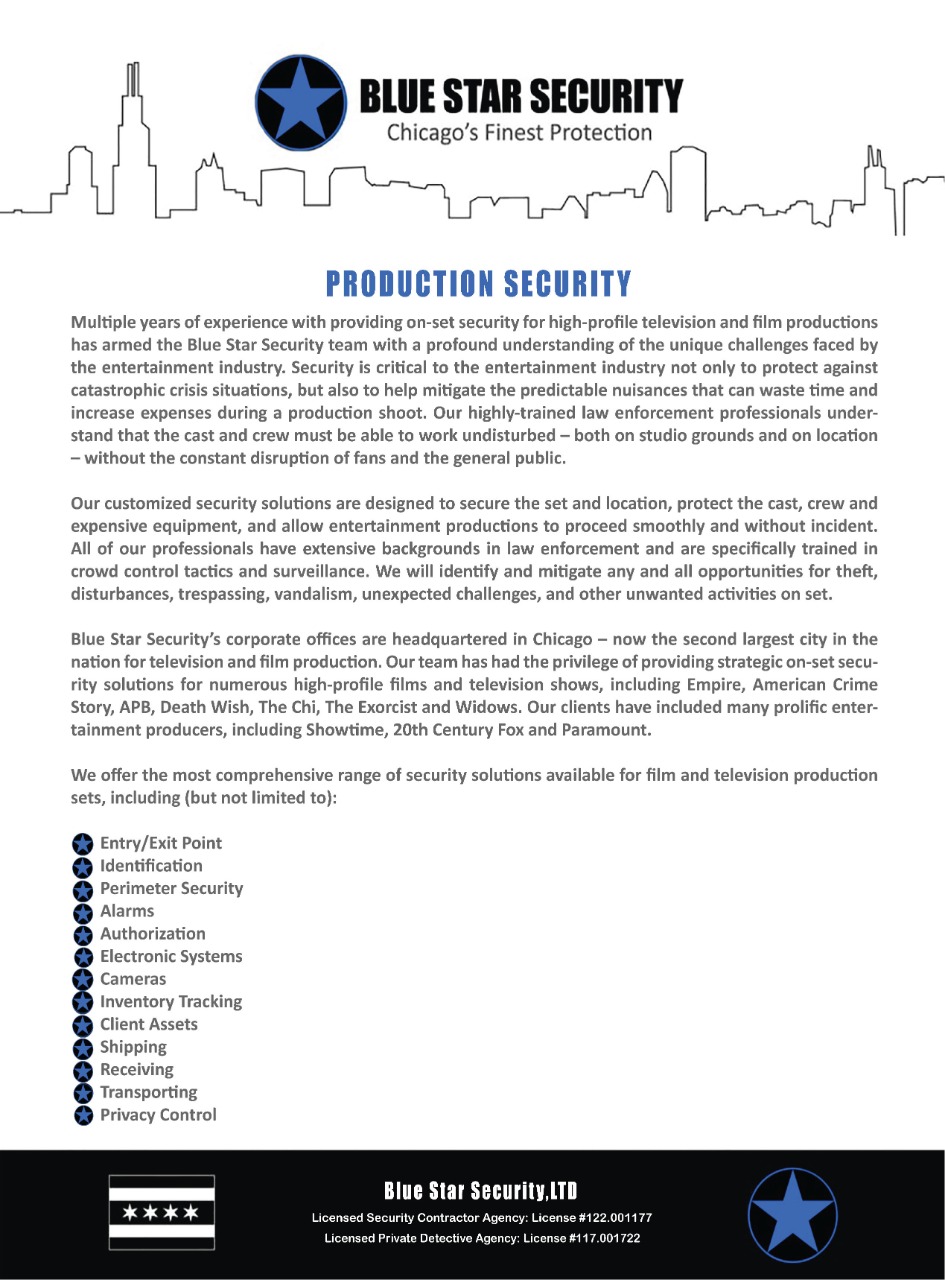
    Blue Star Security Ltd’s staff has numerous years of experience maintaining, securing, and assisting in movie and television productions. Our experienced, trained team provides security with hands on customer service and risk analysis. We are always ready to tackle unexpected challenges, and provide superior protection at every level.

    Blue Star Security Ltd’s headquarters is located in Chicago, Illinois which is currently the 2nd largest city in the United States for Television and Movie Production. We have gotten the opportunity to work with hit TV shows and movies like; Empire, The Exorcist, The Chi, American Crime Story, APB, and Death Wish.

    SECURE YOUR FILM PRODUCTION WITH THE BEST IN BLUE: FREE SECURITY EVALUATION & QUOTE https://bluestarsecurityllc.com 

  • Investigations

    Investigations

    Private Investigator Chicago

    Blue Star Security is a full-service, licensed and insured investigative firm. We provide professional, confidential and cost-effective investigative solutions nationwide. All of our investigators are off duty police officers.

    We offer investigative solutions for insurance fraud, workers’ compensation, claims of disability, infidelity investigations, cohabitation, civil investigations and criminal investigations.

    Our team provides our valued clients with the professional investigative consulting necessary to resolve conflict with fact-finding and analysis along with definitive, timely court ready documentation.

    Our experienced, skilled team of investigators with backgrounds within the law enforcement industry are dedicated to providing the detailed information that will assist you in making informed decisions.

    Blue Star Security’s investigators seek out new techniques and procedures as well as maintaining close ties to former law enforcement colleagues. We are committed to utilizing the latest technology available. Our investigative expertise resolves investigations promptly and discreetly with minimal disruption and superior service.

  • Five Things You Need To Know About Executive Protection

    Five Things You Need To Know About Executive Protection

    Protecting executives today is about much more than physically shielding them from danger. The cyber security risks are higher than ever, and organizations need to ensure that the network and data access many high-level executives have doesn’t become an easy entry point for attackers.

    CSOs and CISOs need to make executive protection a high priority for the organization. Here are five fundamentals that security leaders should keep in mind.


    1. Conduct a risk analysis

    The first step CSOs and CISOs need to take is to conduct a comprehensive risk analysis. This includes identifying those individuals in the organization who are critical to the business and likely targets, and assessing the impact to the organization if they are the victims of attacks.

    Some questions to ask as part of the analysis: Has there been a history of threats against any of these executives? Do they travel regularly to dangerous places? To what kinds of attacks are they most vulnerable?

    Once you’ve determined which individuals need protection, learn about their public and private lifestyles—to the extent that it makes sense and can help reduce the risk factor. This step requires the executive’s full cooperation, because you will need to know all about the work and home life of the individual. Look into how easy it is for someone to get information on the executive and his or her family.

    Based on what you learn about executives, you can get a clearer picture of what kinds of risks your facing and what security measures you’ll need to take. It’s important to keep in mind that risks are ever-changing, so you need to establish a baseline level of security for executives that can be increased as needed.


    2. Make a strong case for protection, even if executives resist

    Some executives will no doubt be unhappy about having their work and personal life under scrutiny, but that’s part of the price of achieving success in business and having lots of responsibility. To make this less of an ordeal for everyone involved, CSOs and CISOs need to demonstrate to executives why security is so important. One way to do this is to have executives pay attention to what they see when they do simple Google searches of their names.

    Another way to demonstrate to executives how much of a target they are is to have them look in their email spam filters to see how many phishing emails have been sent to them. Fortunately, these emails didn’t reach the inbox and trigger an attack, but the sheer volume of these attempts should get the point across.


    3. Ensure that executives’ personal and work devices are secure

    Many business operations and interactions today take place via mobile devices, and a lot of executives are likely to be using the same devices for work and personal reasons. It’s ideal if they use different devices, such as smartphones, for work and home, but executives often won’t accept this. You might want to consider pushing for a company policy dictating how many and which devices can have for work and how they can be used.

    In any case, it’s imperative that any devices executives use for business be highly secure and have the latest protections. All sensitive data should be encrypted and the devices should be protected via an enterprise mobility management (EMM) platform.

    Part of ensuring the security of mobile devices includes evaluating not just the devices used by the executives, but those of their immediate family members within the household as well. That means determining whether each of the devices has password protection, updated operating systems, updated antivirus software, and so on.
     

    4. Educate executives about attacks such as phishing

    Business executives are among the biggest targets of phishing and whaling attacks, in large part because they have such a high level of access to important data. It’s vital that executives know what to look for that would indicate such an attack.

    In general, it’s a good idea for executives to be vigilant in how they handle email. A big set of scams is now the ‘CEO phishing,’ when an adversary sends out email pretending to be the CEO working on a clandestine deal, needing assistance. Modern email clients can make it hard to tell when a message comes from outside the organization, but not all do. Consider advising your company to tag, or change colors, of all messages from outside the company.


    5. Create and enforce rules for executive travel

    Most executives are on the road quite a bit, for industry events, speaking engagements, or visits to clients. This puts them at risk, especially if the travel plans are well known ahead of time.

    It’s important to have in place and enforce policies about what is and is not permitted during travel. This might include not allowing key executives to travel together at the same time and via the same mode of transportation.

    The travel policy should cover the use of mobile devices on the road. For example, executives should not be allowed to take their main work laptop computer on a business trip, but instead use a loaner device that does not have any sensitive data stored.

  • Airport Security Tips

    Airport Security Tips

    It’s that time of the year when everyone starts to plan vacations, or starts to travel more for work purposes. With airports busier than ever, airline staffing reductions creating longer lines at check-in, and airport security wait times that can be entirely unpredictable, the old airport “two-hour” rule often leaves just minutes to spare to buy a magazine, grab a snack or hustle your kids into the bathroom.

    If you plan to join the estimated 2.5 million people who go through TSA checkpoints every day, the agency has the following tips for you:


    1. You can carry small amounts of liquids or gels by following the TSA’s 3-1-1 rule. That means carrying liquid containers with no more than 3.4 ounces of capacity (or about 100 milliliters); collecting those small bottles in a single one-quart, clear plastic bag; and only one such bag per traveler. When you get to the checkpoint, place the bag in the bin for screening. If you’re traveling with large quantities of breast milk or infant formula, let a TSA agent know.


    2. Keep larger bottles of liquids, gels, creams and aerosols, such as shampoo or suntan lotion, in checked luggage. Given the fees airlines charge for checked luggage – and additional charges for exceeding the specified weight – it may be cheaper to buy the sunscreen at your destination.


    3. Don’t bring prohibited items. They won’t fly, regardless of whether they’re inside carry-on or checked luggage.


    4. Pack knives in checked luggage. Blades of any size – even that little bitty one on a corkscrew – cannot accompany a passenger into the cabin.


    5. Firearms can be transported in checked luggage only, and you’ll need to tell the ticketing agent when you surrender your luggage at the counter. If you try to pack your sidearm in the carry-on luggage – or you forget – you’re liable to be arrested.


    6. Consider wearing accessories that are easy to remove and leave the bulky jewelry and large belts in your checked bags. Be ready with your ID and boarding pass when you reach the checkpoint. Remove laptops and other large electronic devices. If just discovered that your driver’s license has expired or you lost your ID and lack a passport or other documentation, you can still fly. You just have to go through the TSA’s identity verification process.


    7. Apply for TSA Pre-Check or other programs such as, Global Entry that are designed to expedite the screening process. Travelers in TSA Pre-check do not have to remove shoes, belts, laptops and liquids.


    8. People with disabilities, or their families who have questions about screening can call the TSA Cares helpline toll-free at 855-787-2227. For assistance going through security, call at least 72 hours before the flight.


    9. If you have questions, you can check the TSA website’s feature “When I fly, can I bring my _____?” Type in the item and it’ll let you know if you’re good to go. You can also get real-time assistance by tweeting to @AskTSA or contacting the agency through Facebook Messenger from 8 a.m. to 10 p.m. on weekdays and from 9 a.m. to 7 p.m. on weekends and holidays. You can also call the TSA Contact Center at 866-289-9673, which provides staff and automated service. Staff are available from 8 a.m. until 11 p.m. on weekdays and from 9 a.m. until 8 p.m. on weekends and holidays.

  • So, you got hacked?

    So, you got hacked?

    Weak website security and poor personal cyber-security hygiene have made getting hacked these days just as common as losing your wallet. It has happened to me, it has happened to my friends and family and it will most likely happen to you at some point.


    So, in case you have just been hacked, or just wanted be prepared for if it ever happens to you, I asked some cybersecurity experts what you should do in case your personal information is stolen. Here’s what they had to say.


    Understanding the Scope of the Breach:

    There are many different ways that you can be hacked. You can have very sensitive information stolen, or just a few passwords and users names tied to accounts you no longer use. The first step is finding out how much information a hacker may have. If your banking accounts have been made vulnerable then try to track down the source of the breach. From there you can decide what passwords or information has been stolen.


    Immediately Freeze Your Accounts:

    If you have noticed suspicious activity on your banking accounts, notify your bank as soon as possible and freeze your account. Have them disable your current card information and send you a new debit card in the mail. It may take a few days to receive the new card, but you’ll be glad you cut off the hacker before they use your account information for more purchases. If it is one of your credit accounts that has been hacked, cyber-security experts advise that you close the account immediately and freeze your credit altogether.


    Change Your Passwords:

    Once you freeze all your banking accounts, or any account that has been hacked, the next step is to secure all your online accounts, and update your passwords.

    Invest some time in creating strong passwords for each of the websites you use. I suggest using a password manager that will keep track of and even create strong passwords for you so you don’t have to remember what password matches with what account.

    If an online account provides two-factor authentication to access the account, take advantage of that. By using two-factor authentication, you are making it that much harder for a hacker to gain access to your information.

    Usually if an account uses two-factor authentication, they will send a text or email to you with a code for you to fill out in order to verify that you are the authentic user of the account. This ensures the security of your account because the chances a hacker would have access to your account’s login information and your email login or mobile phone are very slim.


    Dispute the Charges with Your Bank:

    While getting hacked doesn’t always mean your all information is taken. In the case that your money is used to pay for something you did not receive, you can dispute the charges with your bank.

    Be sure to keep detailed records of the charges you are unfamiliar with, such as dates the charges were made, where and for how much. Have this information handy when you talk to the representative from you bank in order to speed up the process.


    Set Up Transaction Notifications:

    In order to ensure you know exactly what is on with your personal banking accounts, sign up for payment notifications. Usually banks will let you sign up to be notified every time your account is used to pay for something.

    If the transaction was made by you, then everything is fine! But if someone does have your information, you will know exactly the moment when they try to use your card. By doing this, you can hope to stop the hacker before any more purchases are made.


    Be Preventative:

    After you’ve finished those steps, work to be preventative from future cyber attacks. Implement and actually use your password manager and consider using a money sharing application like PayPal to pay for things online rather than giving your payment information to every online shopping boutique you purchase items from.

    When paying with your card in person, make sure that the device you are paying through hasn’t been tampered with. Many credit card thieves use devices known as “skimmers” that look like real payment devices but are used to lift your information. These devices often go undetected at gas pumps.

    Getting hacked is violating and inconvenient at best, but it doesn’t have to ruin your life. There are steps to take to get everything back on track and to ensure it doesn’t happen again.

  • Public Space Safety

    Public Space Safety

    Over the past several years we’ve seen an increase in attacks focused on public spaces. There is no safe-haven in today’s societal landscape that would allow any public service or business to conclude that they are not a target. Hospitals are no exception.


    Thwarting a terrorist attack through intelligence gathering or law enforcement techniques is always preferable, but securing our buildings and infrastructure is increasingly seen as a necessary line of defense in any coordinated anti-terrorist program. In particular are the vulnerabilities presented by open public space. These spaces are where you find the true exploitable “soft targets” that threat actors like to take advantage of.


    Increasing Terror Concerns:

    While the threat of terrorist attacks has increased over the last several years, so has the ability of security professionals to mitigate the physical, economic and social damage, as well as loss of life, associated with these events in a cost-effective way. By learning from past experiences, taking advantage of advancing technical capabilities and using state-of-the-art technology, the design community has been able to respond to the increased need for security.


    More Bang for the Buck: 

    Hospital administrators want to get the most out of the money they are spending on security. Establishing the foundation by outlining threats and vulnerabilities to the facilities creates a list to mitigate. This can be used to find the technology that will best address the security considerations. Hospital security professionals should be able to link the purchase of specific security technology to the risk they are looking to address. Some security technology platforms, such as video-analytics, can assist security teams in addressing a variety of concerns. More than ever before, security technologies can provide more situational awareness for hospital staff.


  • Summer Concert and Music Festival Safety

    Summer Concert and Music Festival Safety

    Music festivals and concerts are intended to be fun, exciting, and potentially transcendent, but they also raise safety and security concerns for people who attend them as well as organize them.

    This past weekend at Summer Camp Music Festival, in Chillicothe, IL, attendees are complaining about the lack of security. Whereas some people appreciate the lack of security, so that way they could get away with sneaking stuff in, which shouldn’t be happening. When first getting into the festival, GA security did search all bags, however, not as strong as what they should be. We are trusting the festival workers with our lives for the next 4 days, and the last thing we need to worry about it something tragic happening. Then people won’t be complaining as much of “too chill” of security once their safety is put at risk. I will gladly wait an additional amount of time if that meant my safety is put into more consideration.

    Make no mistake about it, bad things do happen, and if you don’t know how to stay safe at concerts and festivals, they can happen to you, too.


    Speaking as someone who’s lived it, here are my top tips on how to ensure you stay safe while you have fun! 

    Don’t go alone, and go with someone you trust.
    One of the key things to acknowledge when learning how to stay safe at a music festival is the power of large numbers. Going to festivals with large groups of friends is a good way to make sure that you have emergency contacts, that you won’t be stranded without a ride home, and that someone will help you out in the event that your stuff is stolen.

    If you have to go solo, make an effort to chat up people as soon as you get there.
    Chatting people up and introducing yourself isn’t just a good way to make new friends. It also can save your life. Groups are more likely to protect people they know, which means that chatting others up can boost your chances of staying safe.
    The buddy system works, even if you just met new friends. 

    Watch your drinks.
    As bad as it is for me to admit, I know there’s a reason why music festivals have such a bad reputation for date rape drugs. There are creeps out there who slip stuff in other peoples’ drinks, and only you can make sure they don’t do that to yours.

    Keep hydrated, and take a break if you need to!
    Even if you just drank 3 water bottles, force yourself to drink more. Know your limits and boundaries, don’t feel bad if you have to go sit off to the side for 15 minutes to rest and refuel!Always keep an eye on your surroundings. 
    If something, or someone seems off to you, go find a worker or an officer and alert them. Especially if you see someone trying to open someone’s backpack, pit-pocket, or break into someone’s tent, speak up!We here at Blue Star Security care about the safety and well-being of the people who attend any event. You can contact us today to learn more information about our event security, and all of our other security services!
  • Top 10 Mobile Security Tips

    Top 10 Mobile Security Tips

    With summer and festival season getting into full swing soon, you’ll want to stay connected to travel and social media apps more than ever. But it’s important to be hyper-aware that cyber thieves are on the prowl for your personal, financial and location information.

    When traveling, like many of us will be doing this Memorial Day, your digital security risks can increase. But just a few thoughtful steps can reduce your digital security risks while traveling this holiday season.


    TOP 10 MOBILE SECURITY TIPS

    1. Before you leave, make sure that your device’s software is up-to-date. Consider removing older applications that you no longer use.
    2. Keep your Wi-Fi and Bluetooth interfaces off when they are not in use.
    3. Avoid using PUBLIC WI-FI HOTSPOTS. Public Wi-Fi hotspots usually have no encryption. Such as, malicious actors within a certain physical distance from you can eavesdrop on your communications. If you do use public Wi-Fi, try to use it only for basic browsing and applications that do not involve personal data. Try to avoid logging into sites or accounts that contain sensitive data, such as your bank. If you find yourself needing to use public Wi-Fi often, you should consider using a VPN (Virtual Private Network). The other concern with using public hotspots is that it is dangerous to have a saved Wi-Fi profile where the connection has no password or a well-known password. In this situation, it is trivial for an attacker to deploy a fake access point and trick your device into unexpectedly connecting to a hostile network.
    4. Consider using a VPN (Virtual Private Network). In the previous tip, it was suggested that you shouldn’t use public Wi-Fi due to unencrypted wireless communication unless you use a VPN. However, a VPN can be useful even if you don’t use Wi-Fi. A VPN will create an encrypted connection for you so that your data is protected before it enters the network. The VPN serves as a secure tunnel between your device and the Internet. This feature provides extra assurances that no sensitive data will be exposed to a malicious wireless operator.
    5. Password protect your phone with a PIN, or better yet a passphrase. Devices can be easily lost or stolen. This is never a fun event. In the unfortunate event that your device goes missing, keeping it secure with a PIN or passphrase will prevent malicious actors from accessing the physical device and then stealing your personal information.
    6. Encrypt your device. Similar to having the device PIN protected, encrypting the device adds a layer of protection to your data in the event that a malicious actor gets access to the physical device.
    7. Consider using the vendor provided GPS-based device location service. In the event that you lose your device, you can find the device or even remotely wipe it if you are worried about data loss. For those with Android devices, ‘Android Device Manager’ or the recently released ‘Find Device’ apps are both tied to your Google Account, while Apple users can use ‘Find My iPhone’, tied to their Apple ID.
    8. Prior to leaving your home network, you should configure any applications that you think you will require while you are out and about. For example, if you plan on using Uber, make sure that your Uber account is setup and that your payment information is configured. Not only do you avoid transmitting that payment information while you’re out; you avoid anyone reading off your credit card number as you enter it.
    9. Enable 2FA (two-factor authentication) for applications that support it.
    10. If you need to use your mobile device as a personal hotspot, ensure that the hotspot name reveals no personal details, use a strong password, and monitor the number of connected devices to ensure that no one else is accessing your connection.